

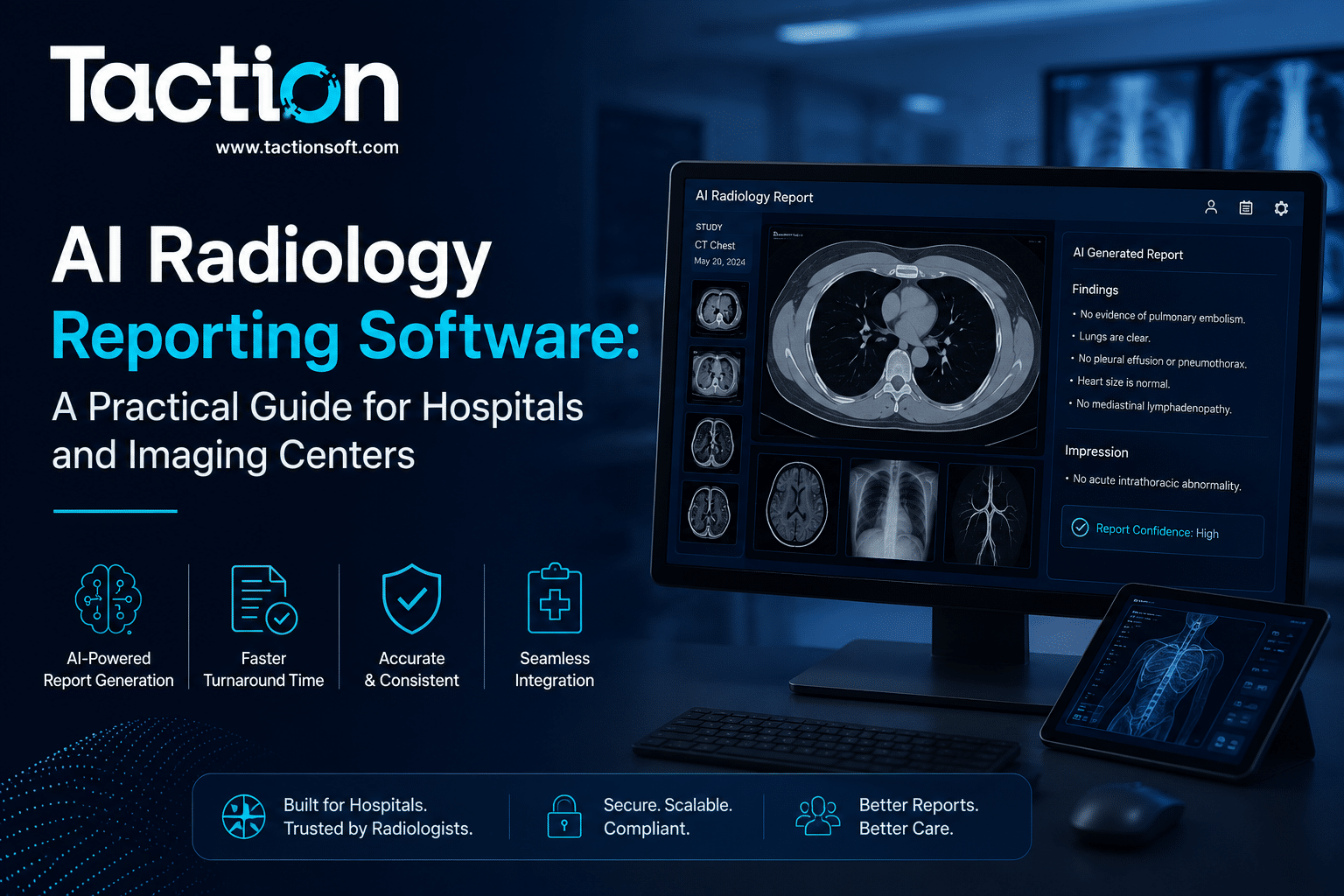
AI radiology reporting software is changing how radiologists draft, structure, and finalize imaging reports, cutting turnaround time while reducing the manual burden of dictation and template entry. Instead of typing or dictating every finding from scratch, radiologists now work with systems that pre-populate structured reports, flag critical findings, and route them straight into the PACS and EHR workflow. For imaging centers and hospital radiology departments under pressure to read more studies with the same staff, this shift is not a convenience feature, it is becoming an operational necessity. This page walks through how AI radiology reporting software works, where it fits into existing imaging workflows, what to look for before buying or building, and how to plan a rollout that clinicians will actually use.
How AI Radiology Reporting Software Works
At its core, AI radiology reporting software sits between image acquisition and report finalization. It ingests DICOM studies, runs them through trained models tuned to specific modalities and body regions, and generates a structured draft report that a radiologist reviews, edits, and signs off on.
Natural Language Generation for Structured Reports
Modern systems use large language models fine-tuned on radiology corpora to convert detected findings into readable, clinically accurate prose. This is different from generic transcription, the system understands anatomical context and report conventions, so a nodule measurement or a fracture description reads the way a radiologist would phrase it, not the way a generic speech-to-text engine would.
Integration With PACS and Voice Recognition
Reporting software rarely works in isolation. It typically overlays existing PACS viewers and voice recognition tools already in place, rather than replacing the entire imaging stack. This matters for procurement, since a rip-and-replace approach to PACS is expensive and disruptive, while an AI reporting layer that plugs into what is already there gets adopted faster.
Where AI Adds the Most Value in the Reporting Workflow
Not every part of the reporting workflow benefits equally from automation. Understanding where the gains are concentrated helps set realistic expectations for ROI.
Critical Findings Flagging
One of the highest-value applications is automatic flagging of potentially critical findings, such as suspected intracranial hemorrhage or pneumothorax, so these studies get prioritized in the radiologist’s worklist rather than waiting in a standard queue. This directly affects patient safety, not just efficiency.
Structured Measurement and Comparison
AI reporting tools are particularly strong at pulling forward prior measurements for comparison, tracking nodule size over time, or aortic diameter across studies, and inserting them automatically instead of requiring the radiologist to manually cross-reference old reports.
Reducing Dictation Fatigue
Radiologists reading 60 to 100 studies a day accumulate real fatigue from repetitive dictation of normal findings. Reporting software that auto-fills negative findings for a specific protocol, leaving the radiologist to focus attention on abnormalities, reduces cognitive load meaningfully over a full shift.
Evaluating Vendors and Build Options
Health systems generally choose between licensing a point solution for a specific modality, adopting a broader AI imaging platform, or building a reporting layer tailored to their own PACS and EHR configuration.
Questions to Ask Before Committing
Buyers should ask how the vendor’s model was validated, on what patient population and imaging equipment, whether FDA clearance covers the specific use case being deployed, and how the system handles edge cases outside its training distribution. A vendor that cannot answer these clearly is a warning sign regardless of how polished the interface looks.
When Custom Development Makes Sense
Larger health systems or imaging networks with unusual PACS configurations, specific payer reporting requirements, or a need to integrate multiple AI models into a single unified reporting interface often find that a custom-built layer, developed by a team experienced in healthcare software and medical imaging AI, fits their workflow better than forcing a one-size-fits-all commercial product into place.
Compliance, Validation, and Radiologist Oversight
AI-generated reports are drafts, not final documents, and the regulatory and liability framework around them reflects that.
FDA Clearance and Clinical Validation
Any AI component that materially affects diagnostic reporting typically requires FDA clearance under the appropriate pathway, and health systems should confirm this clearance covers the exact clinical use case, not just the underlying technology, before deployment. Our team has written in detail about how these FDA 510(k) pathways apply to AI imaging tools for teams evaluating vendor claims.
Maintaining the Radiologist as Final Signatory
Every credible implementation keeps the radiologist as the final signatory on the report, with the AI-generated draft clearly marked as unverified until reviewed. This is not just a regulatory safeguard, it preserves the clinical judgment that catches the cases where the model gets it wrong.
Planning Your Implementation
A successful rollout starts with a narrow pilot, one modality, one site, before expanding. Departments that try to deploy AI reporting across every modality simultaneously tend to see slower adoption because radiologists cannot build trust in a system that behaves inconsistently across use cases. Budgeting also matters here, and teams estimating costs across imaging AI projects broadly should review our breakdown of medical imaging AI development costs to set realistic expectations before scoping a build or a vendor contract.
Key Takeaways
AI radiology reporting software reduces dictation burden, speeds up turnaround on routine studies, and helps flag critical findings faster, but it works best as an assistive layer inside existing PACS workflows rather than a replacement for radiologist judgment. Success depends on clear FDA validation, a narrow pilot before scaling, and choosing between a commercial point solution and a custom build based on how unusual your existing systems are. If you are scoping a radiology reporting project, talk to our healthcare AI team about your current PACS setup and reporting volume.
Frequently Asked Questions
Does AI radiology reporting software replace radiologists?
No. Every clinically deployed system requires a radiologist to review and sign off on the AI-generated draft before it becomes part of the patient record. The software reduces manual drafting work, it does not replace diagnostic judgment.
How accurate is AI-generated radiology reporting?
Accuracy varies significantly by modality, body region, and the training data behind the specific model. Structured findings like measurements tend to be highly reliable, while nuanced differential diagnosis language still requires close radiologist review.
Does this software work with our existing PACS system?
Most modern AI reporting tools are designed to overlay existing PACS and voice recognition systems rather than requiring a full replacement, though the level of integration effort depends on how old or customized your current PACS deployment is.
What is the typical cost of implementing AI radiology reporting software?
Costs range widely depending on whether you license a commercial product per radiologist seat or commission a custom build tailored to your imaging volume and modalities. Our guide on imaging AI development costs breaks this down in more detail.
How long does it take to roll out AI reporting software in a radiology department?
A focused single-modality pilot typically takes eight to twelve weeks from integration to go-live, with a broader multi-modality rollout taking several months depending on PACS complexity and staff training needs.